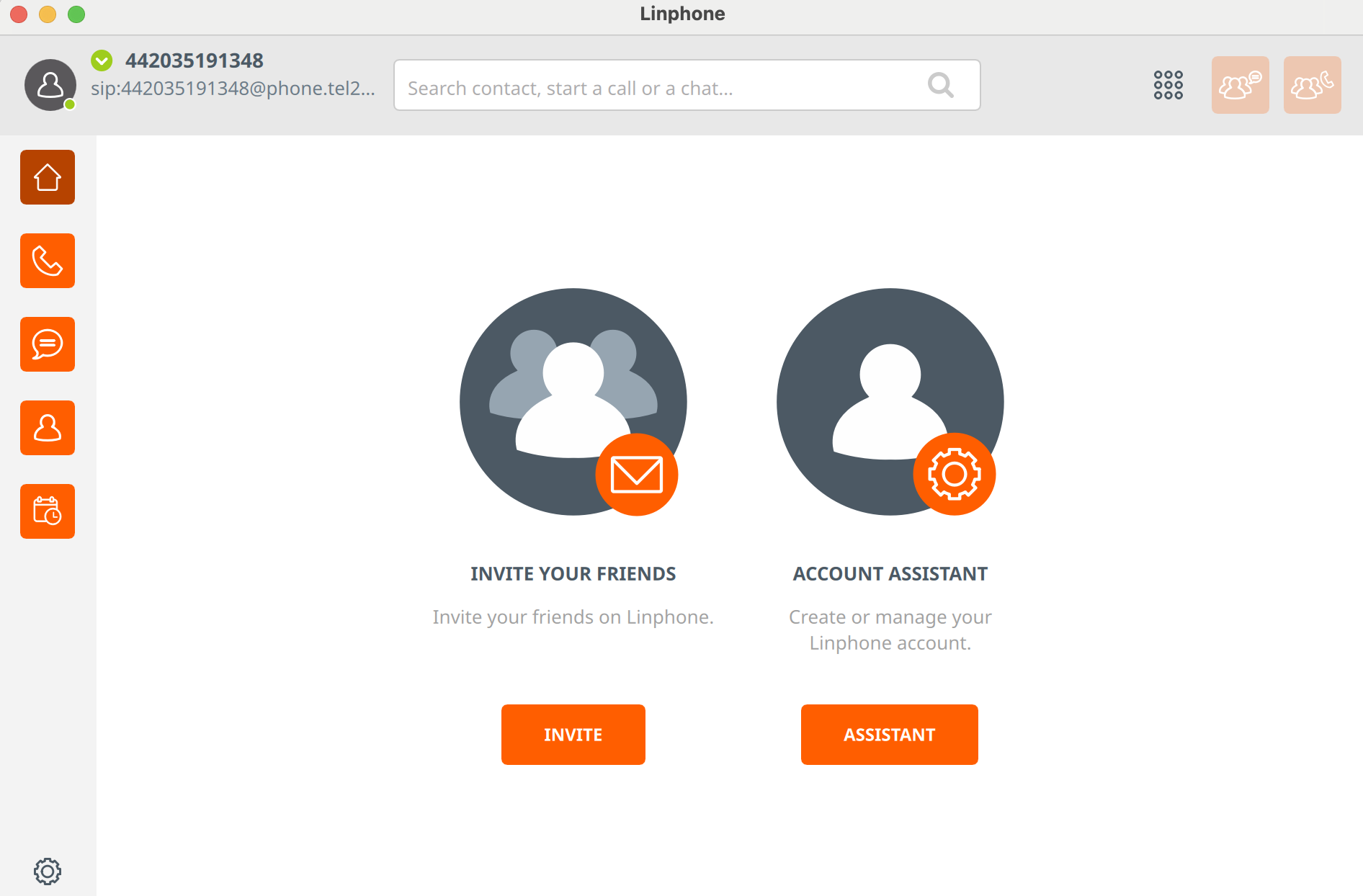
How to: Download and configure Linphone to use with Tel2 services

Matthew Atkinson
Last Update 5 months ago
Note: The screenshots below are showing a Linphone configuration on a desktop computer. Although this may look slightly different when configuring the mobile version of Bria, the options are exactly the same.
Step 1: Download and Install Linphone
Please go to the Linphone website to find the appropriate download for your device. Follow the Linphone installation process.
Step 2: Configure Linphone application
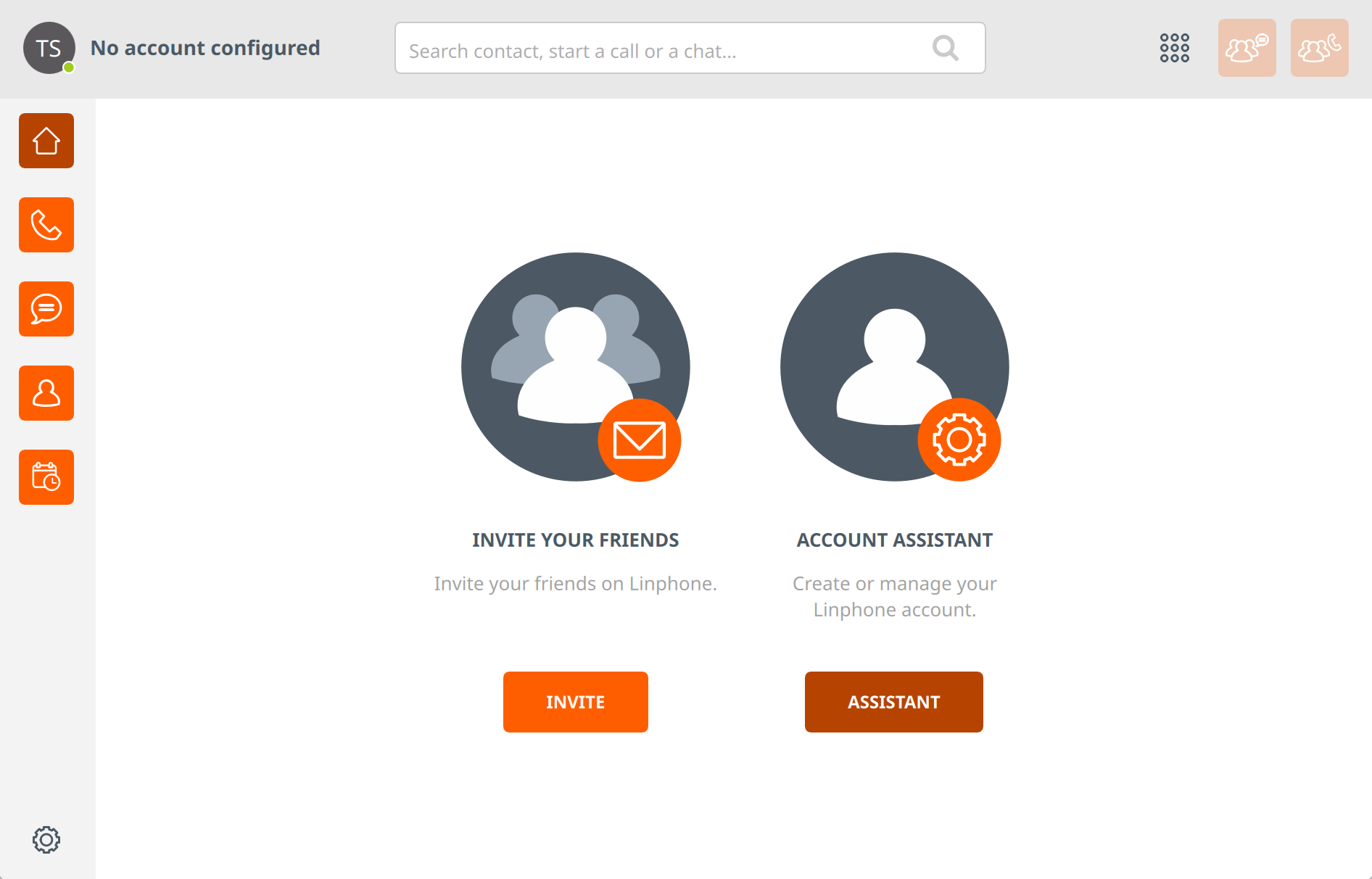
1 - Click the "Assistant" button
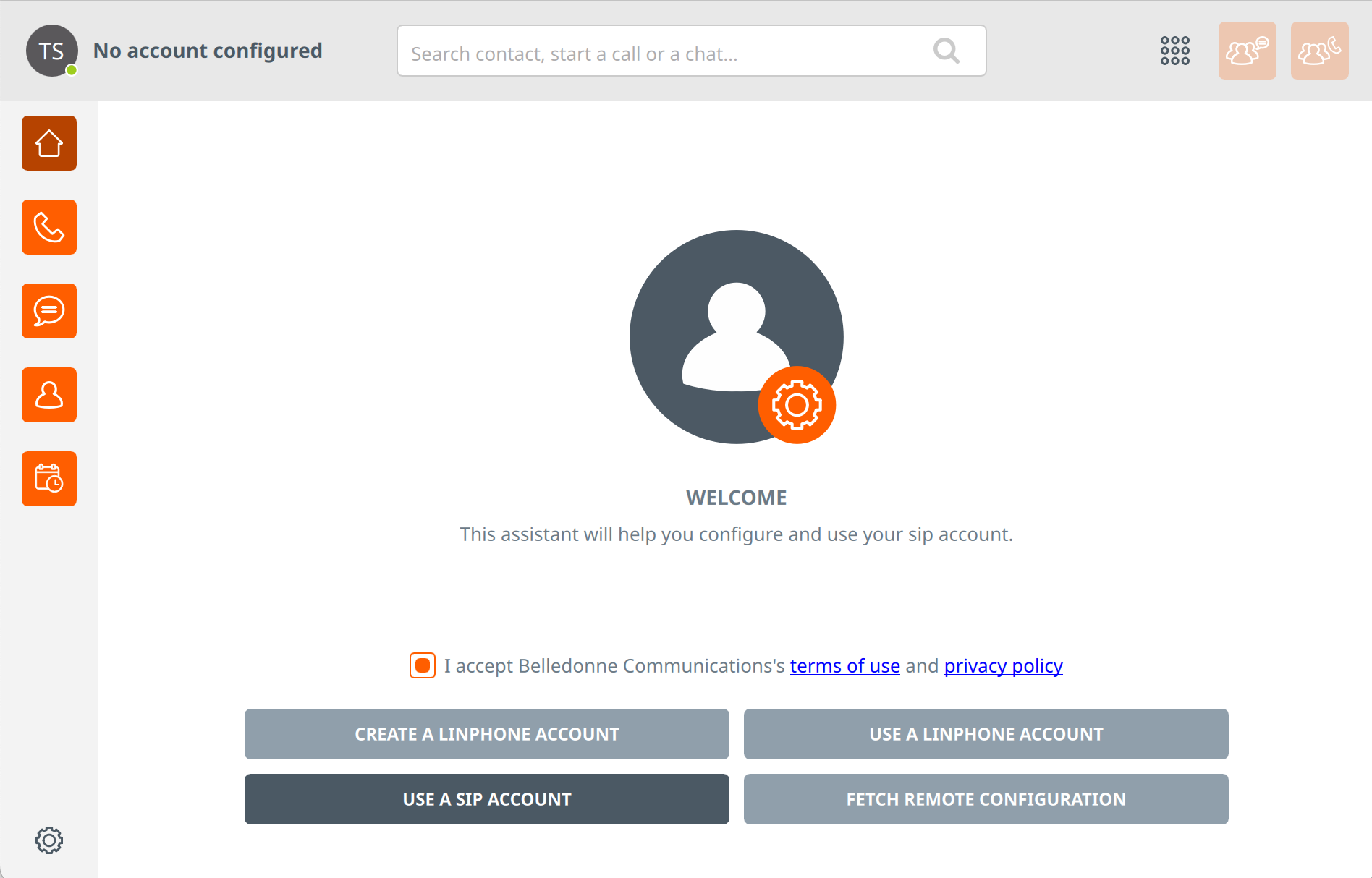
2 - Click "USE A SIP ACCOUNT"
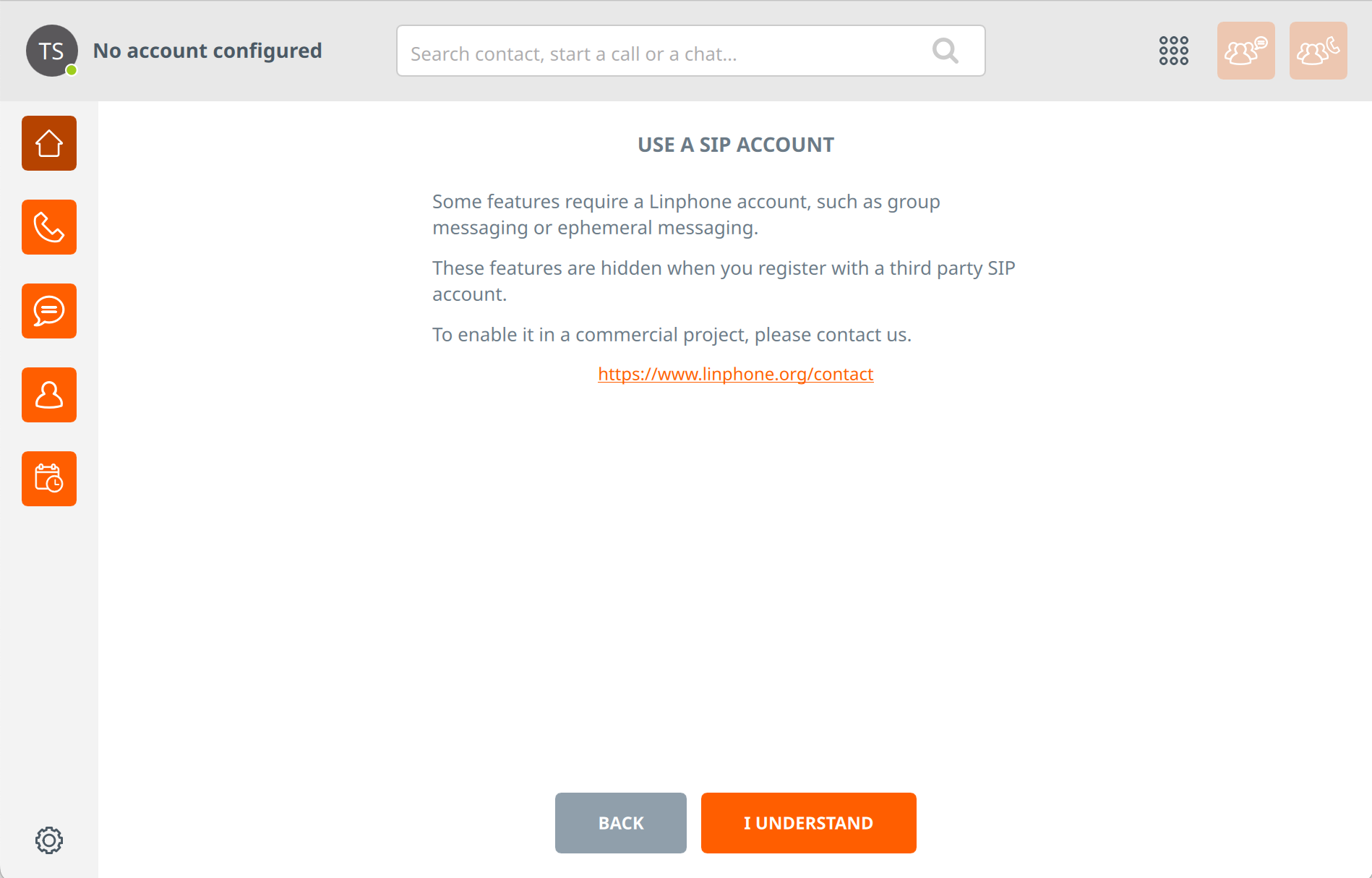
3 - Click "I Understand"
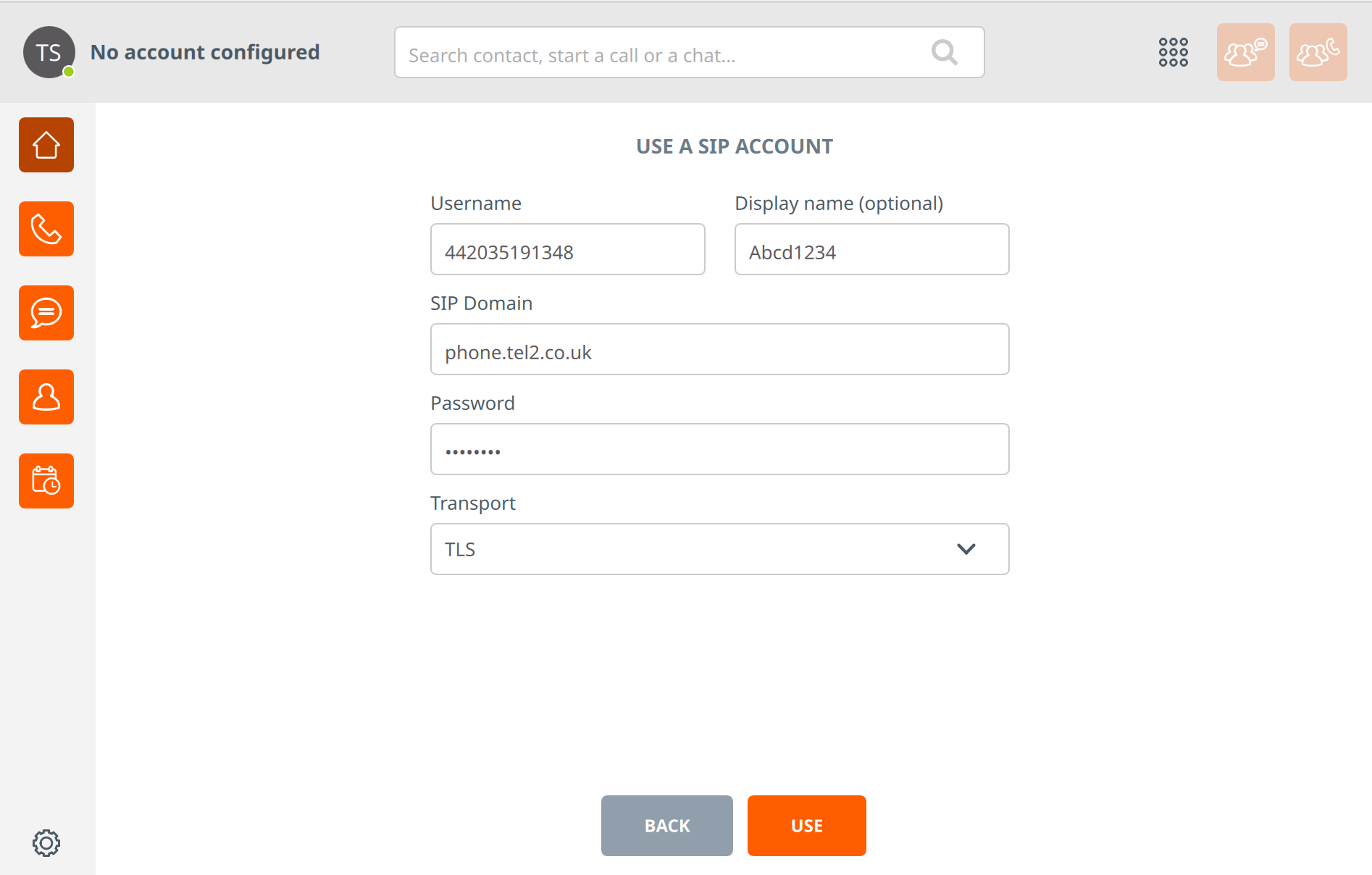
4 - Configure this page using the following settings
| Setting | Value |
|---|---|
| Username | [Your phone number] (As configured in the Tel2 portal) |
| Display Name | Any name of your choice |
| SIP Domain | sip.tel2.co.uk |
| Password | [Your password] (As configured in the Tel2 portal) |
| Transport | TLS (or any other option) |
5 - You are now ready to make calls with Tel2